
Time tracking for your shop,
your bakery or your salon
Your team clocks in on the shop's tablet or from their smartphone. PulseTime records the hours actually worked, breaks included, shop by shop, and everyone finds their own hours on their smartphone.
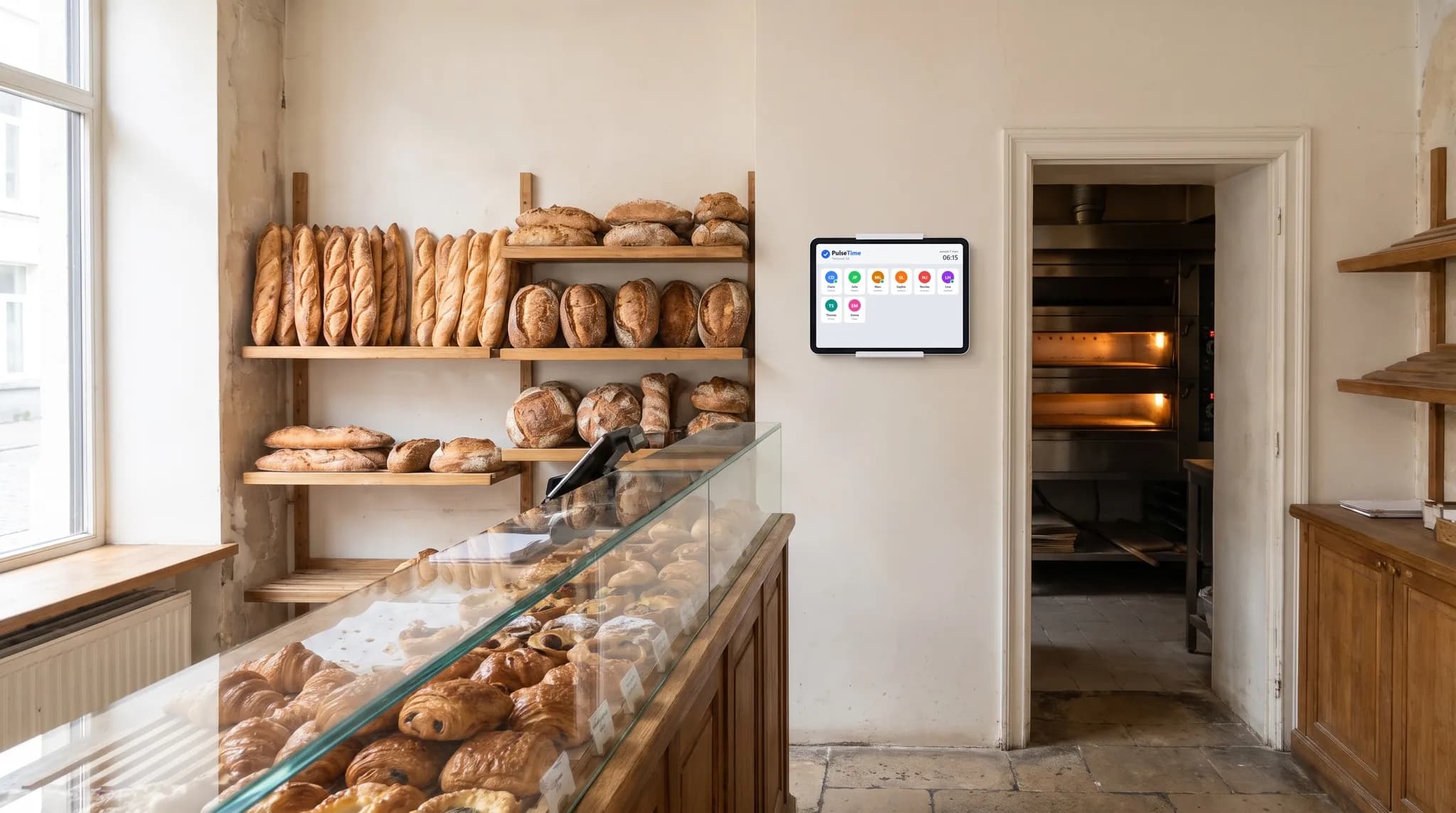
How your team clocks in at the shop
A tablet on the back-room counter, or a QR code per shop: everyone clocks in on arrival, at their break and when leaving.
A tablet behind the counter
Everyone taps their name and enters their PIN. An Android tablet or an iPad is enough, and there is no time clock to buy.
One QR code per shop
Each salesperson scans their shop's code with their smartphone. Anyone sent to help out in another shop scans the QR code there, and their hours follow.
The break actually taken
Breaks and resumptions are clocked when they happen. No flat-rate duration is applied.
Everyone sees their hours
Each salesperson sees their hours day by day on their smartphone. If there is a disagreement, you both start from the same figures.
What PulseTime brings to your shop
The hours actually worked by each salesperson, shop by shop, ready for payroll.
The hours of each shop
The reports give the hours worked in each shop, to compare teams or allocate costs.
Who is in the shop, live
The dashboard shows who is present, on a break or gone, and you can check it from your smartphone.
Forgotten clock-outs spotted
A time entry still open after closing time appears in your dashboard. If you switch it on, PulseTime also reminds the salesperson, on their smartphone, that they are still clocked in.
Tracked corrections
The salesperson requests the correction from their smartphone, and you approve or decline it. The history keeps the time before and the time after.
Payroll without re-keying
With the Payroll provider option, PulseTime prepares your payroll provider's import file every month. PDF, Excel and CSV exports are included in the subscription.
The Planning module arrives on 1 January 2027
This new PulseTime module will be included in your subscription. You will use it to prepare your salespeople's schedules, part-timers included, and manage leave requests and absences.
Try PulseTime free for 15 days, with no credit card.
15-day free trialFrequently asked questions
- The rota changes often, do I have to enter it?
- No. PulseTime records the hours actually worked, with no schedule to enter.
- A salesperson works in two shops on the same day?
- They scan the second shop's QR code on arrival, and their hours move to that shop.
- My salespeople don't have a smartphone?
- They clock in on the shop's tablet with their personal PIN. No smartphone is needed.
- A student works on Saturdays?
- They clock in like everyone else, on the tablet or from their smartphone, and PulseTime records the hours they work.
- How much does PulseTime cost for a shop?
- From €2.50 to €3.50 excl. VAT per active team member per month, depending on the plan, with no hardware to buy. The free trial lasts 15 days, with no credit card.
The other sectors
The screens on this page are illustrations. The names, locations and hours are fictitious.
Ready to simplify time tracking?
Create your account in 2 minutes. The free trial lasts 15 days, with no commitment.
Get started for freeA question before you get started?
081 / 24 39 80info@pulsetime.beRequest a demoMonday to Friday, 8:30 a.m.–12 p.m. and 1 p.m.–5 p.m.