
Simplify time tracking
for your business
Your team clocks in within seconds from the PulseTime app, a QR code or a terminal at the entrance. You monitor attendance in real time. Compliant, four languages, ready in 5 minutes.
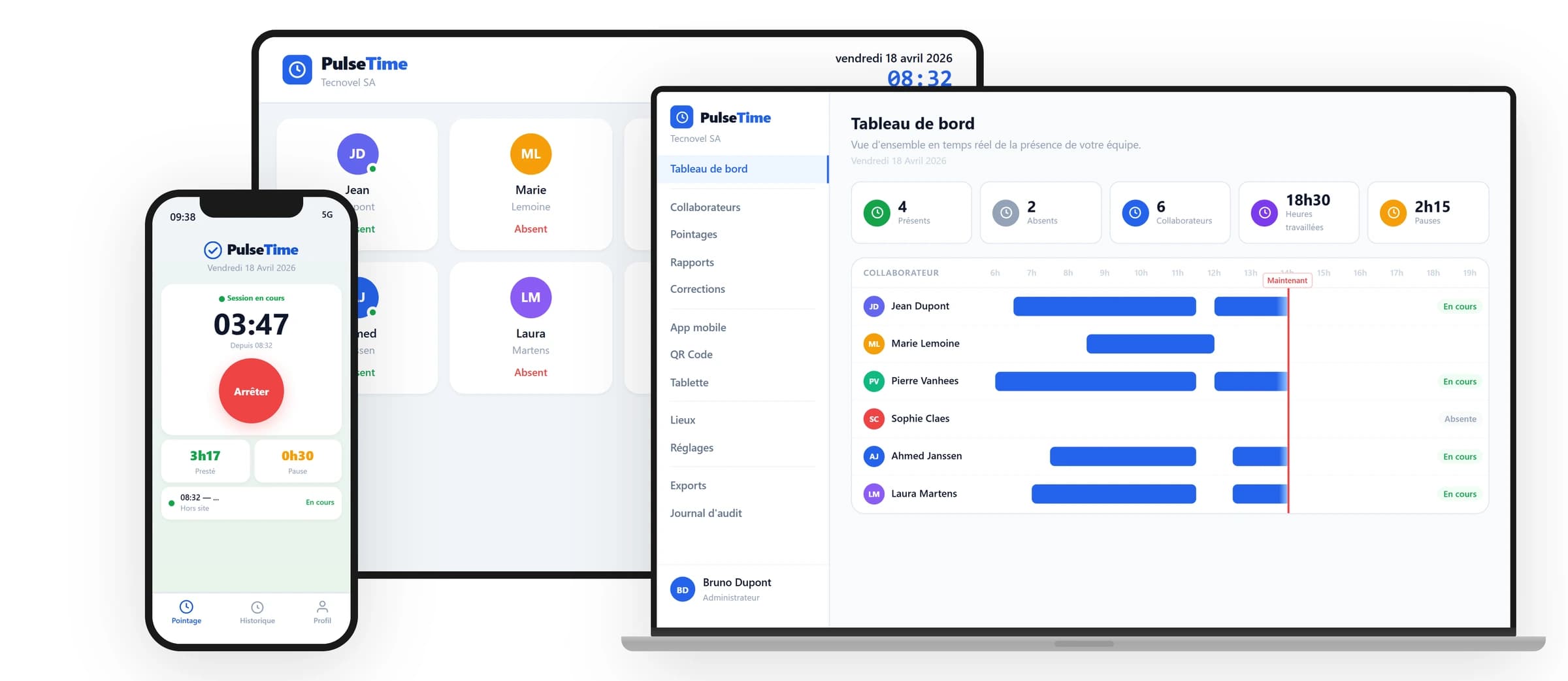


Everything you need. Nothing more.
Built for Belgian SMEs that want to stay compliant without overcomplicating things.
Clock in with one tap
Smartphone, PC, on-site QR code or entrance tablet. Four channels, one goal: simplicity.
Ready for the 2027 law
Precise timestamps, tracked edits, data kept according to Belgian legal requirements.
Real-time dashboard
See who's present, absent or on a break. Export hours to CSV or PDF, or to your payroll provider's import file.
NSSO check-in/out
The NSSO Check In and Out at Work attendance registration, for construction (JC 124) and cleaning (JC 121).
Three clocking methods for your SME
Smartphone, PC, on-site QR code or terminal at the entrance: each team member picks the channel that suits them.
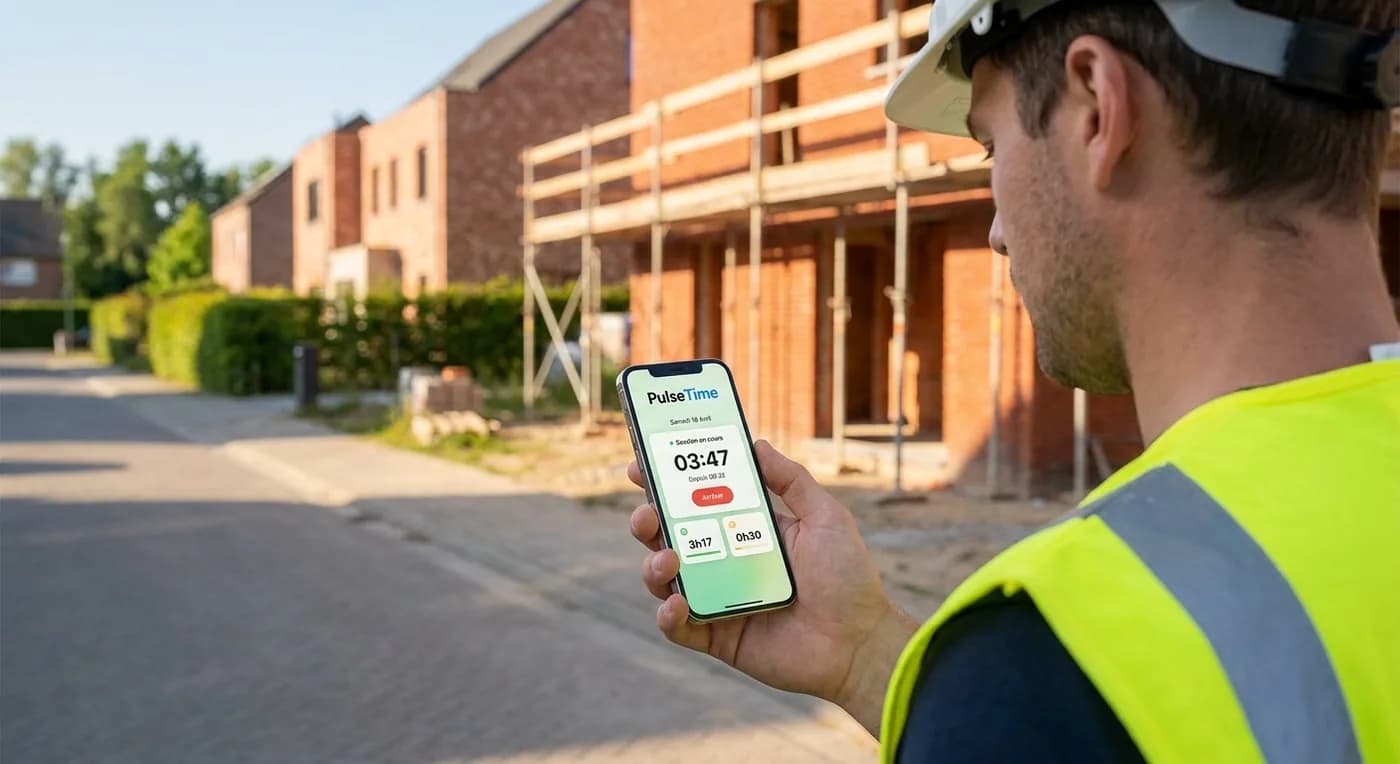
Smartphone and web
Clock in with one tap from the PulseTime Mobile app, with GPS, or from the PC via the web interface.

On-site QR code
A QR code displayed at the venue's entrance, scanned from the app: proof of presence with no extra hardware.
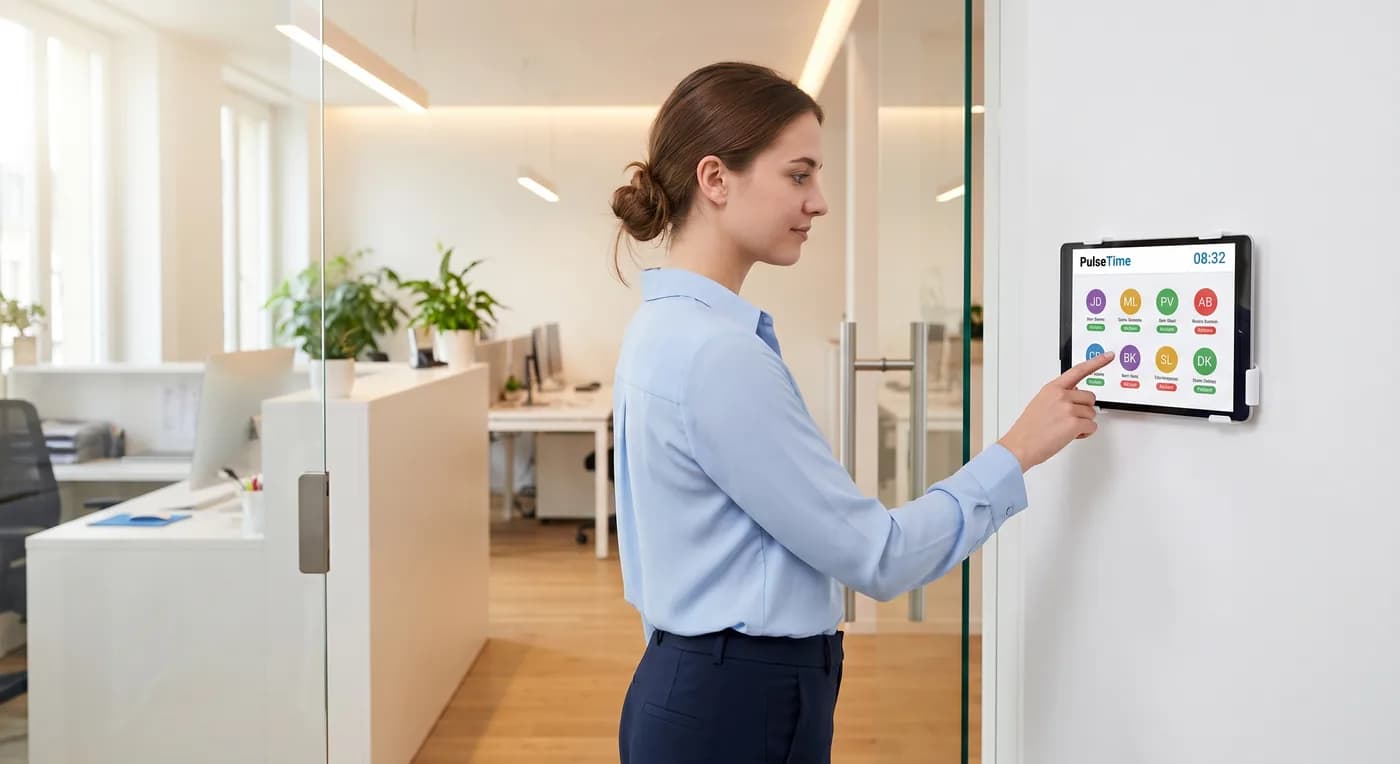
Clocking terminal at the entrance
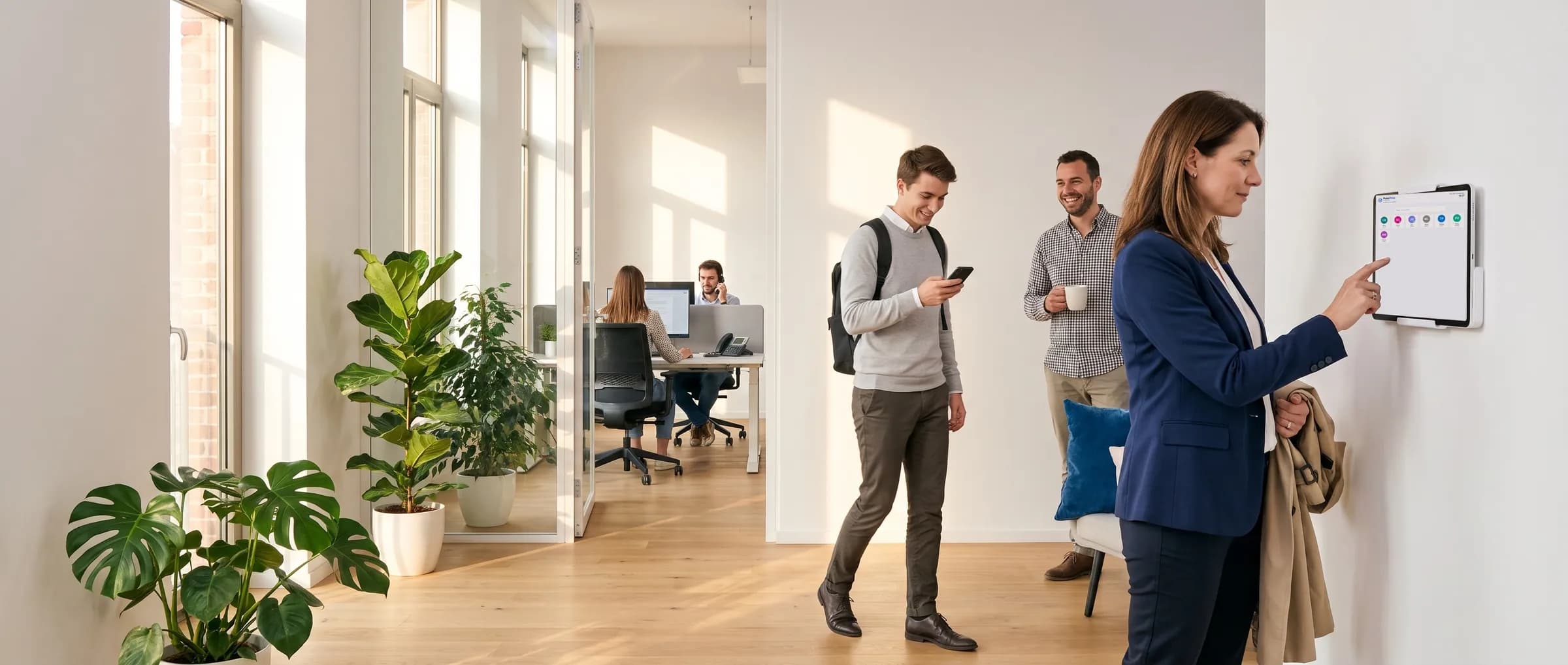
A tablet at the entrance running the PulseTime Kiosk app: the whole team clocks in on the same device.
Running your SME, simplified
A dashboard designed for owners who want to know where their team stands, without spending the day on it.
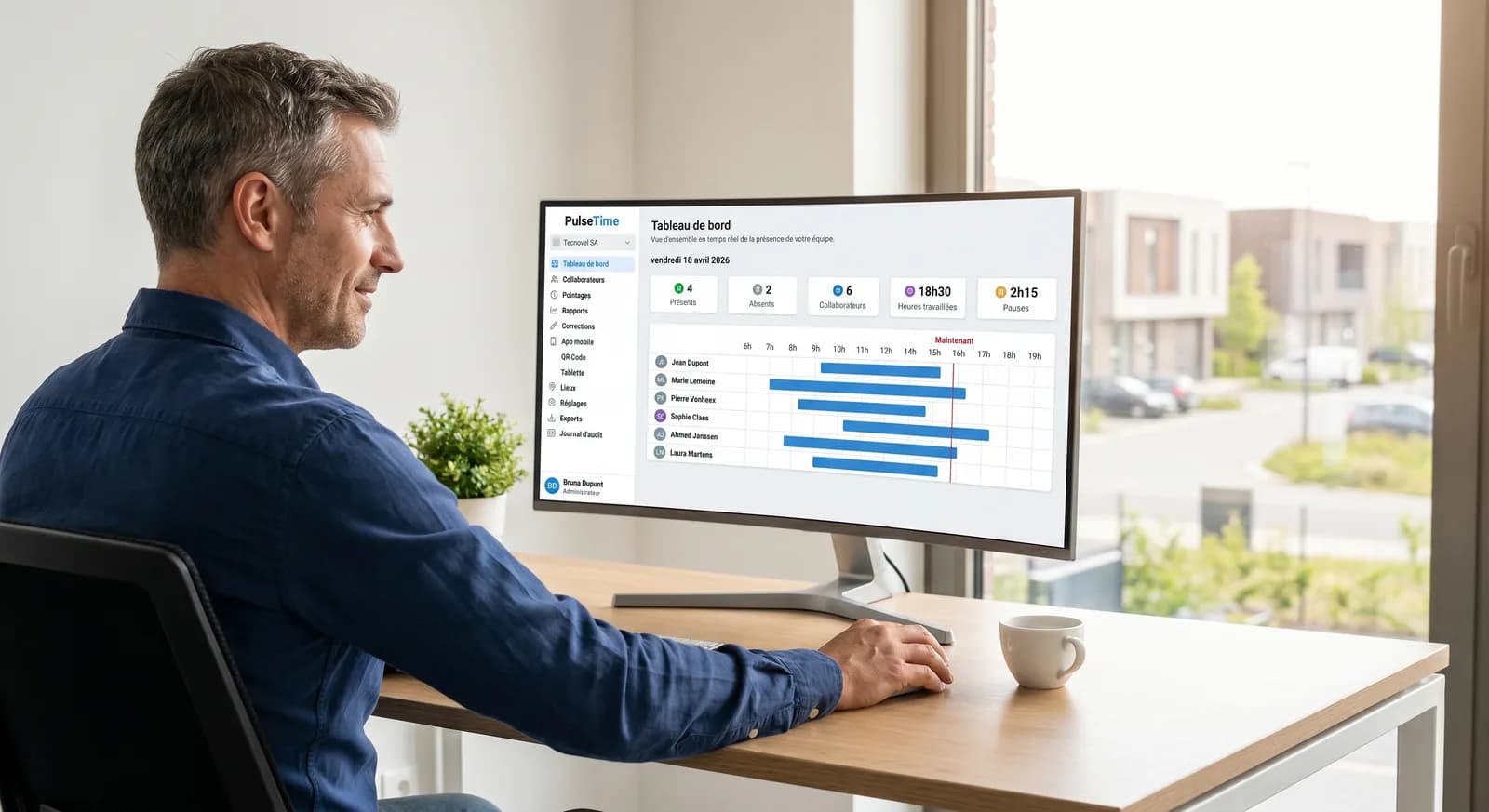
Real-time view
Present, absent, on break, with automatic refresh.
Hours worked
Day, week, month, consolidated effortlessly.
Audit log
Every entry and correction timestamped and traced.
Exports
CSV, PDF or XLSX in one click, and for your payroll provider.
Your hours, in your payroll provider's format
Every month, PulseTime prepares your payroll provider's import file with the hours worked per day and per team member. You submit it, your provider calculates the payroll.





Other payroll providers are being added. Is yours not on the list? Ask us
Ask your AI assistant about your clock-ins
- Compatible with Claude, ChatGPT and any assistant that supports MCP.
- A question in plain language, an answer in seconds, without opening a report.
- Hours worked, attendance, locations and team members: everything PulseTime records can be queried.
- A month, a team, one person: the assistant compares, filters and summarises on request.
Who worked overtime last month, and did Sophie sometimes leave before 4:30 pm?
I looked at September for the fourteen team members of Tecnovel SA.
Only one person went over their schedule: Marc, on 4, 7 and 14 September, with 8h50, 9h10 and 8h45 worked, 2h45 beyond his 8-hour days.
Sophie left before 4:30 pm three times: on 4 September at 4:05 pm, on 12 September at 3:50 pm and on 25 September at 4:20 pm. On the other days her last clock-out falls between 4:30 and 5:10 pm.
Would you like the detail per week, or the same reading for another month?
Sample data, demo company.
They use PulseTime every day

« My workers used to write their hours down on paper every Friday evening: always something missing, always arguments. With PulseTime, they clock in straight from the site on their smartphone, and I get the exact hours as they happen, without having to chase them. »

« We have two kinds of teams: technicians on the road and office staff. The first clock in from their smartphone, the second from the tablet at reception. PulseTime consolidates it all into a single report, ready for our payroll provider. »

« We're a small team, half office half remote. PulseTime consolidates hours automatically for our payroll provider, and we're ready for the 2027 law without having invested in a time clock. Setup took 5 minutes. »
Time tracking in 4 steps
From sign-up to the first clock-in, in minutes.
- 1
Create your account
A few details and you're set. Free 15-day trial.
- 2
Add your team
Invite your team by email or SMS: they receive a personal access link, install the app and clock in within seconds.
- 3
Your teams clock in
Your choice: smartphone, QR code or PulseTime Kiosk terminal, whichever fits your worksite.
- 4
Compliant with the 2027 law
Every clock-in time-stamped, exportable in one click.
Frequently asked questions
How long does it take to set PulseTime up?
Does PulseTime make me compliant with the 2027 law?
Do I need a card to try it?
How do my staff clock in?
What if my staff don't have a smartphone?
What if someone forgets to clock in?
Does PulseTime track my staff?
Is there a minimum term?
What about no network?
Do you handle the NSSO site check-in?
Can the hours go to my payroll provider?
Can I query my clock-ins with an AI?
Ready to simplify time tracking?
Create your account in 2 minutes. 15-day free trial, no commitment.
Get started for freeA question before you get started?
081 / 24 39 80info@pulsetime.beRequest a demoMonday to Friday, 8:30 a.m.–12 p.m. and 1 p.m.–5 p.m.