
Every time-tracking feature you need
Three clocking methods, a real-time dashboard and an app ready for the 2027 Belgian law. Everything Belgian SMEs need.
3 clocking methods
Smartphone, QR code or tablet: your team picks the method that suits them.
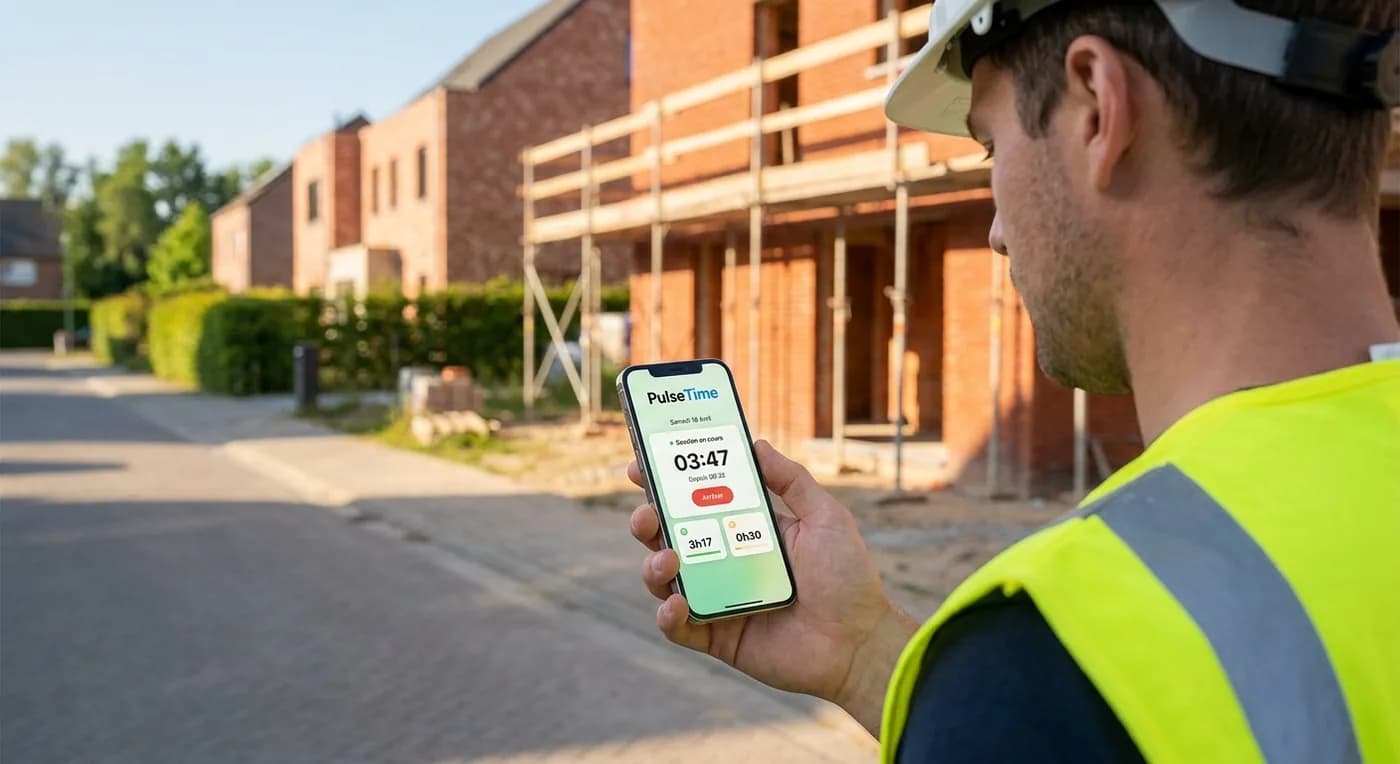
Smartphone and web
Your team receives a personal access link and clocks in with one tap from their phone, or from their PC using the same web interface. On smartphone, the GPS location is captured automatically to confirm on-site attendance.
- Personal link sent by email or SMS, no app to install
- Smartphone GPS location (radius configurable per site)
- Web interface on PC for offices and remote work
- Real-time session timer on iPhone, Android, Windows and Mac

On-site QR code
Print one QR code per location and display it at the entrance. Your team scans it from their smartphone to clock in: proof of physical presence, with no on-site hardware.
- Unique QR code per work location, ready to print on PDF A4
- Scan with the app's built-in scanner or the camera
- The location is recognised automatically (no need to pick it)
- Pairs with GPS for double presence verification
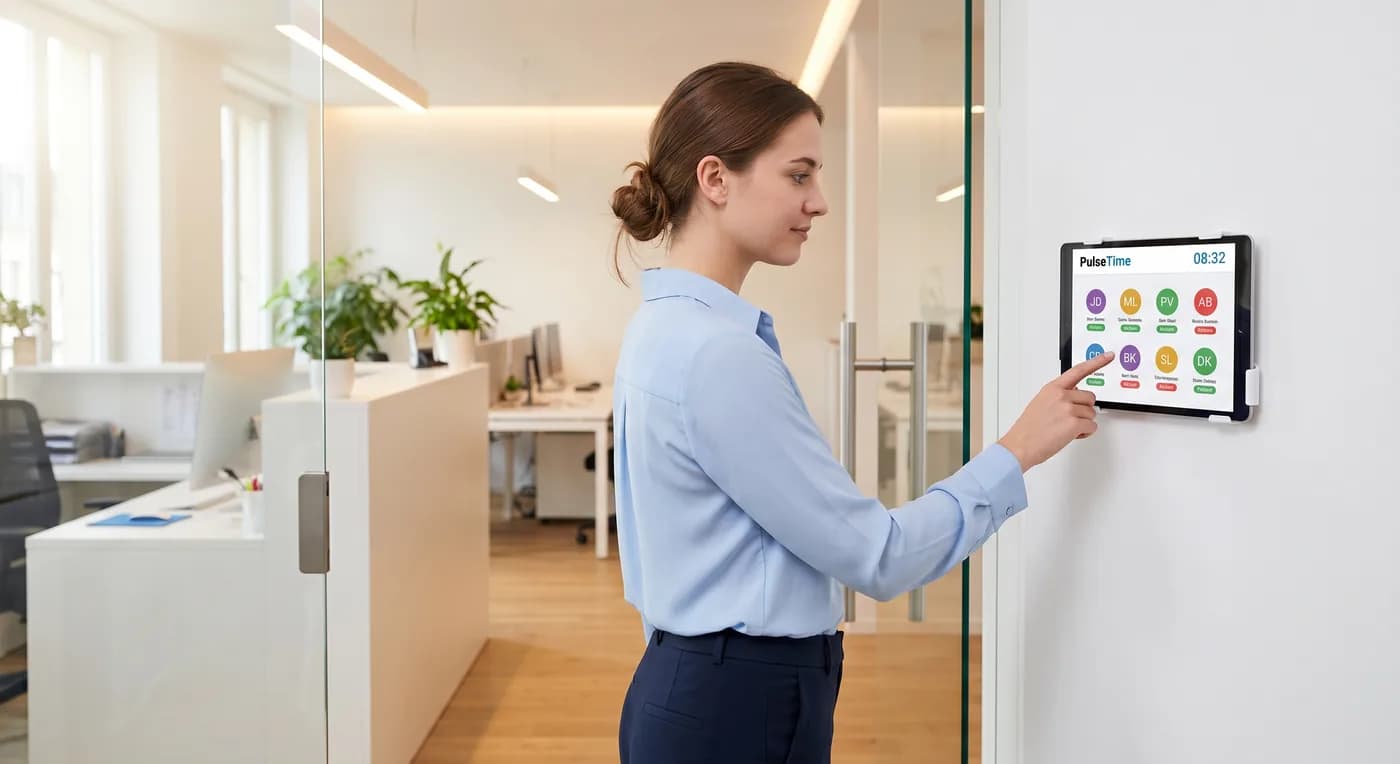
Entrance tablet
Install a tablet (iPad or Android) at reception. Each team member picks their name and enters their 4-digit PIN. Ideal for teams without a work smartphone.
- Works on any tablet (iPad, Android)
- Unique 4-digit PIN per team member
- Visual list with status (present / absent) in real time
- Full-screen interface, built for quick use at the entrance
Try PulseTime free for 15 days.
Start the free trialTracking, exports and anticipation
Everything you need to track attendance and prepare for the 2027 law.
Real-time dashboard
See at a glance who's present, absent or on a break. The dashboard and its visual attendance plan update automatically.
- Real-time view of attendance
- Visual plan per team member, to the minute
- Full history by day, week or month
- Accessible from any browser
Reports & exports
See hours worked per team member and export them in your preferred format for your payroll provider.
- Reports by day, week and month
- Export to CSV, PDF, XLSX and TXT
- Filter by team member or by site
- Automatic calculation of hours and breaks
Ready for the 2027 law
Every entry is precisely timestamped. Every change is recorded in a tamper-proof audit log, in line with the expected requirements of the Belgian law.
- Precise, tamper-proof timestamps
- Full and exportable audit log
- Corrections tracked with before/after history
- Unique identification per team member
- Data hosted in the European Union
Corrections & approvals
Team members can request a schedule correction. The administrator approves or denies in one click, with full traceability.
- Correction request by the team member
- Approval or denial by the administrator
- Before/after history preserved
- Mandatory reason for every request
Multilingual interface
Each team member picks their language. The app adapts to the three national languages of Belgium (French, Dutch, German) and English.
- French, Dutch, English and German
- Instant language switch
- Individual preference per team member
- Company-wide preference configurable
Multi-site management
Manage several work locations from a single account. Each site has its own QR code and GPS radius.
- Unlimited number of sites
- Unique QR code per site
- GPS radius configurable per site
- Reports filterable by site
Ready to simplify time tracking?
Create your account in 2 minutes. 15-day free trial, no commitment.
Get started for freeA question before you get started?
081 / 24 39 80info@pulsetime.beRequest a demoMonday to Friday, 8:30 a.m.–12 p.m. and 1 p.m.–5 p.m.