
Breaks at work: how to record them properly
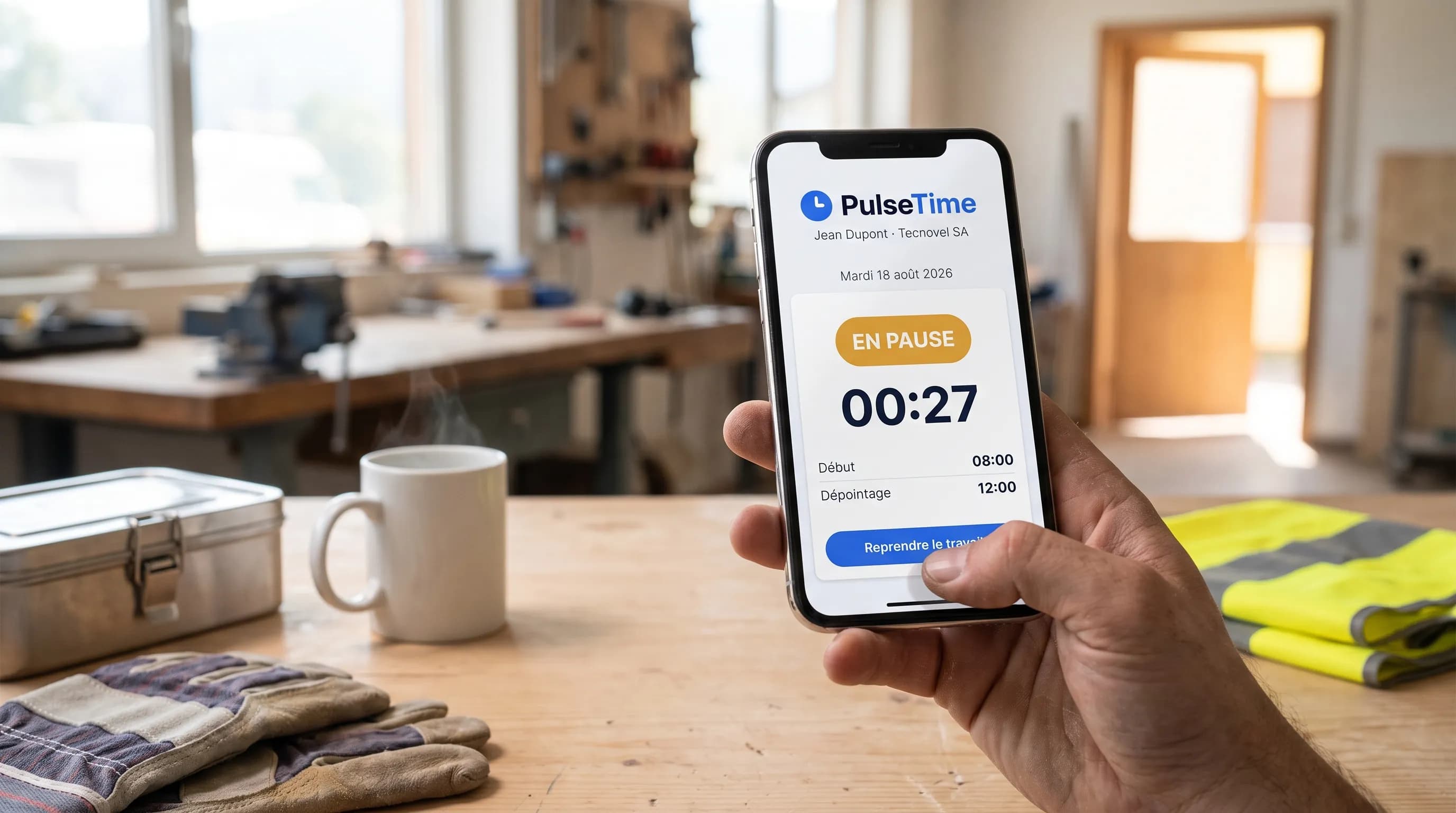
Over a working day, the lunch break is the figure most often approximated: 30 minutes are deducted because "that's how it is", without knowing whether it was really taken, or when. As long as hours stayed on a paper sheet, nobody looked closely. With the working-time recording obligation announced for 2027, that approximation becomes a real issue. Here is what Belgian law says, and how to record a break properly.
What Belgian law says today
The basic rule fits in one sentence: as soon as a shift exceeds 6 hours, the worker must be given a break. This is Article 38quater of the Labour Act of 16 March 1971. The length and the terms of that break are set by the collective bargaining agreement (sectoral or company-level) or by the work rules.
Second question, just as frequent: is that break paid? It depends on your collective agreement and your work rules. It is not a software setting, it is a rule to check with your payroll provider. A time-tracking tool has a more modest but essential role: to state at what time the break started and at what time it ended.
What the 2027 obligation changes
Working-time recording is due to become mandatory on 1 January 2027 for all employers. As things stand, the law has not yet been passed and several terms will be specified by royal decree. But the direction is clear: an objective, reliable and accessible system will be required, one that reflects the time actually worked.
Breaks sit at the heart of that requirement, since they are what separates working time from rest time. What remains to be settled is the level of detail expected: will every interruption have to be traced, or only the main one? All the more reason not to lock yourself into a system that manufactures the data instead of recording it.
The flat-break trap
This is the most widespread reflex: setting the tool to automatically remove 30 minutes from any day longer than 6 hours. It is simple, it asks nothing of the team, and it produces a convenient figure. The problem is that this figure is invented.
- ✓The employee who could not take a break sees 30 minutes disappear from their day. They will notice, and you will have nothing to set against it;
- ✓Whoever takes an hour for lunch sees 30 minutes of work appear during which they were not there;
- ✓In a dispute, a flat rate proves nothing at all: it is a software setting, not a record.
Automatic deduction actually answers a payroll question, not a recording question. Yet it is recording that is becoming mandatory. That is why PulseTime deducts no break automatically: the choice is deliberate, and it will stand as long as the royal decree has not specified what is expected.
Method 1: the badged break
This is the simplest and the soundest method. The employee clocks out when leaving for a break and clocks back in on returning. The interval between the two is the break: time-stamped to the minute, without anyone having to remember it in the evening.
In practice, a day with a lunch break becomes two shifts (8:00 to 12:00, then 12:35 to 17:00) and 35 minutes of break. The total worked calculates itself, so does the total break time, and both figures match what actually happened.
This is the method to favour for the main break, the one that counts. It requires no data entry: it is exactly the same gesture as on arrival, on the smartphone, the reception tablet or the QR code.
Method 2: the break declared afterwards
It happens that someone forgets to clock out: something unexpected, a phone left in a jacket, a tablet out of reach. In that case the break is declared after the fact, through a correction request: the employee gives the start and end times of their break (for example 12:00 to 12:30), and their manager approves it.
Two details make all the difference. First, the break is declared as a time slot, not as a number of minutes: a break from 12:00 to 12:30 creates a real gap in the day, visible in the calendar, instead of a total trimmed without anyone knowing when. Second, the request keeps a trace of who asked, who approved, and of the original value. The correction shows rather than hides itself.
Should the coffee break be badged?
No. The rest interval the law targets is the real break, the one that interrupts the shift. Turning every breath into a clocking event would make the tool unbearable for the team and the data unreadable for you.
The practical rule that works: badge what is a genuine interruption (a meal, a break, a departure from the site), do not badge what is part of the work. It is best to write this down in black and white and announce it to the team. A clear instruction such as "we clock out for lunch, not for coffee" avoids the bulk of correction requests.
What this looks like in PulseTime
- ✓Badged break: clock out then clock back in from the smartphone, the tablet or the QR code, exactly like a normal entry;
- ✓Declared break: a correction request in the form of a time slot, approved by a manager, with a full history;
- ✓Dashboard: the total worked and the total break time for the day, per employee;
- ✓Reports: a sortable break column, and exports to CSV, PDF or Excel over the period of your choice;
- ✓No automatic deduction: what is recorded is what was clocked.
The safest rule is also the simplest
As long as the royal decree is not published, nobody knows the exact detail of what will be required. But one principle will not move: record what actually happened, and nothing else. A break badged in two gestures, or declared then approved, stands up to a dispute as well as to an inspection. A flat rate does not.
PulseTime records breaks in both of these ways, with no hardware to buy and no complicated configuration. Setting it up takes 5 minutes, the trial is free for 15 days with no commitment: enough to check it on one team, before everyone starts at the same time in late 2026.
This article is for information only and does not constitute legal advice.